
How we build
The engineering under every build.
Software holds customers' records, money and sometimes children's details, so how it is built matters as much as what it does. Here is how we build it, with XTutio, our own product, as the worked example.
Built properly, and said plainly
We tell you exactly where your data and AI requests go.
Where the data is stored, where AI requests go, who can see what and how it is backed up are all things a customer is entitled to know. We write them down, including the parts that are not as tidy as we would like, such as the few AI requests that can leave Australia.
Data in Australia
The database runs in Sydney and the app is served from Sydney.
Read the detail →AI in Australia
AI requests can be served in Australia, and we say plainly where they may not be.
Read the detail →Names stay out of prompts
Names are swapped for pseudonyms before any AI request leaves.
Read the detail →Customers kept apart
Every row carries its organisation, and the database enforces it.
Read the detail →Sign-in and audit trail
Two-step sign-in for sensitive roles and a log written before the action.
Read the detail →Backups and recovery
Nightly encrypted backups since October 2026, and a restore drill that passed in October 2026.
Read the detail →These are the practices behind XTutio, our own product, and the foundation we start client builds from. What applies to a particular build is agreed in its scope, and we say so in writing.
Worked example: XTutio
XTutio is software for tutoring centres that we build and run ourselves. It handles scheduling, billing, payroll, families, mail, documents and an online classroom, so it holds the kind of records, money and children's details that need care. These are its feature pages, as published on xtutio.com. Every screen uses made-up example data.
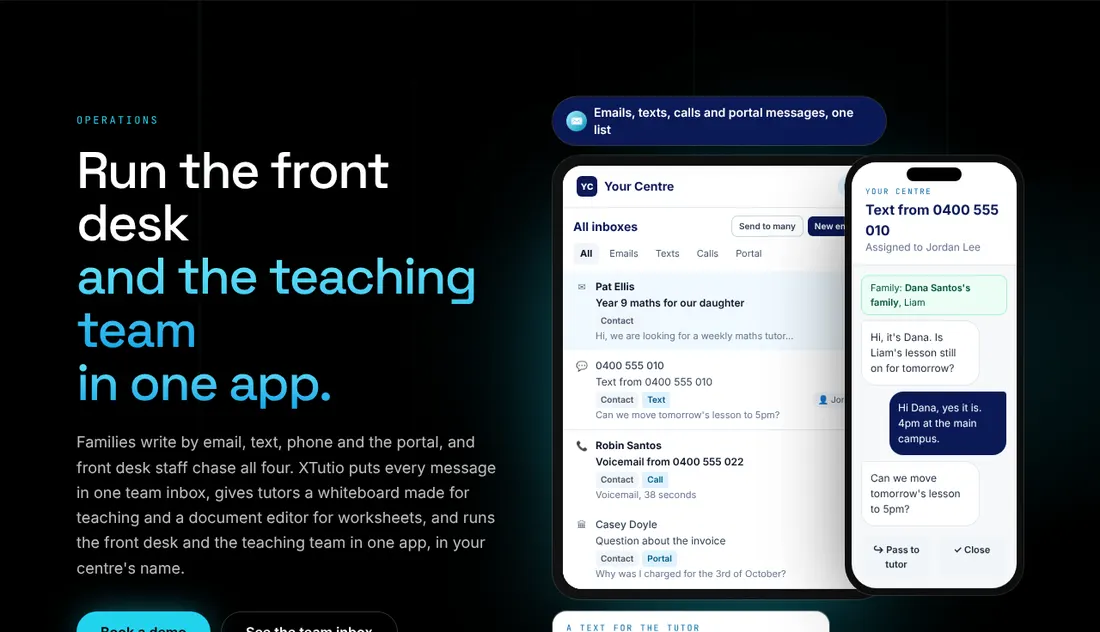
Operations
One inbox for email, texts, calls and portal messages, for the front desk and the teaching team.
See it on xtutio.com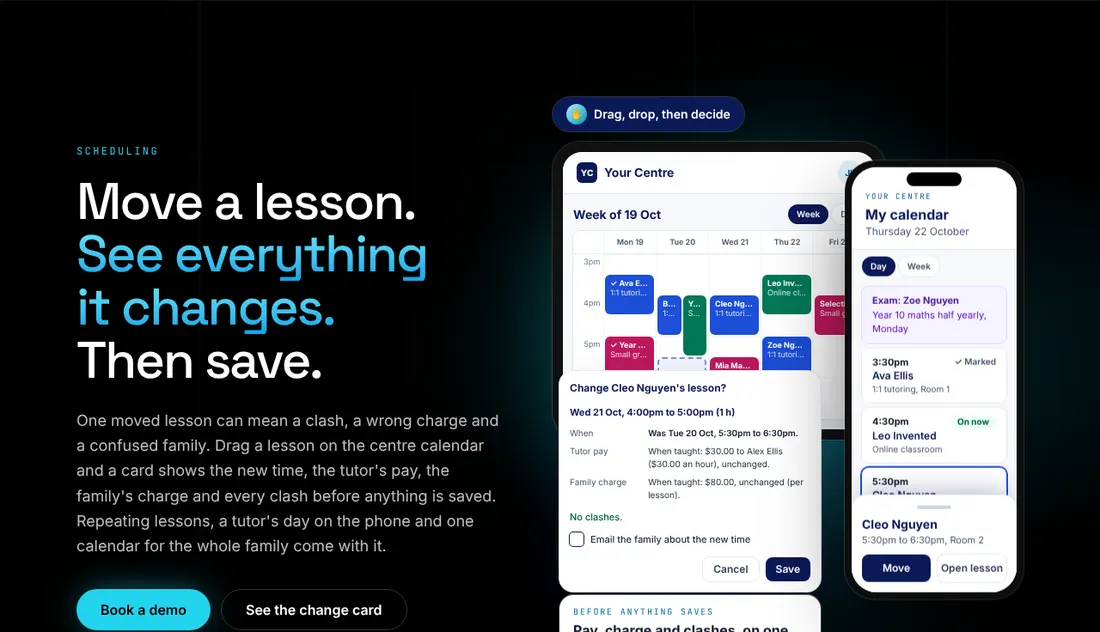
Scheduling
Drag a lesson to a new time and see what changes before you save.
See it on xtutio.com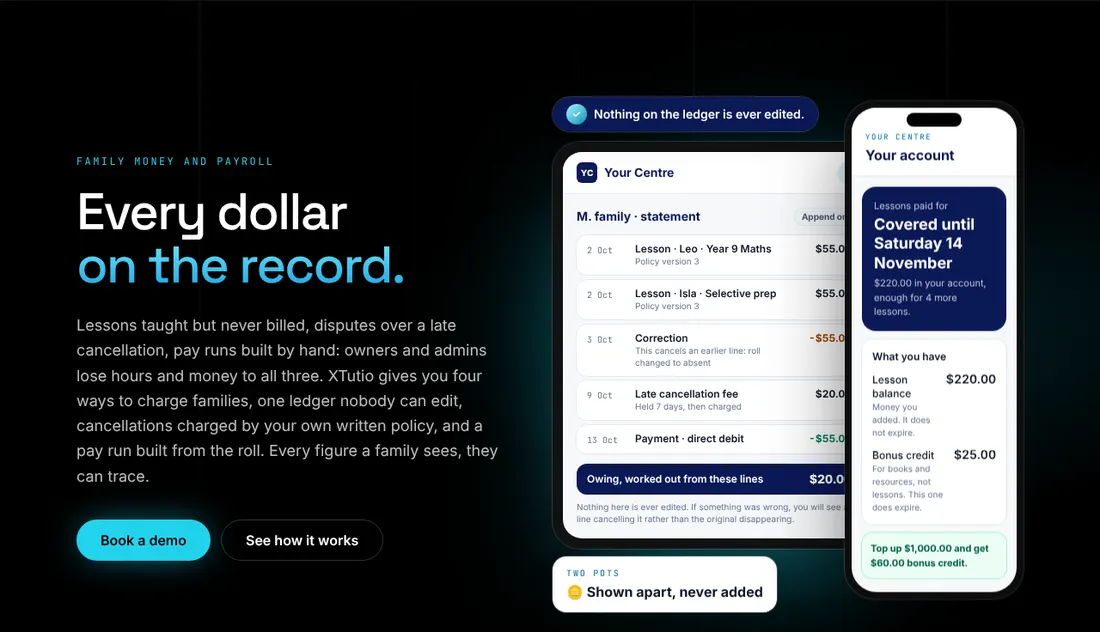
Money
A family ledger that is never edited. Corrections are new entries.
See it on xtutio.com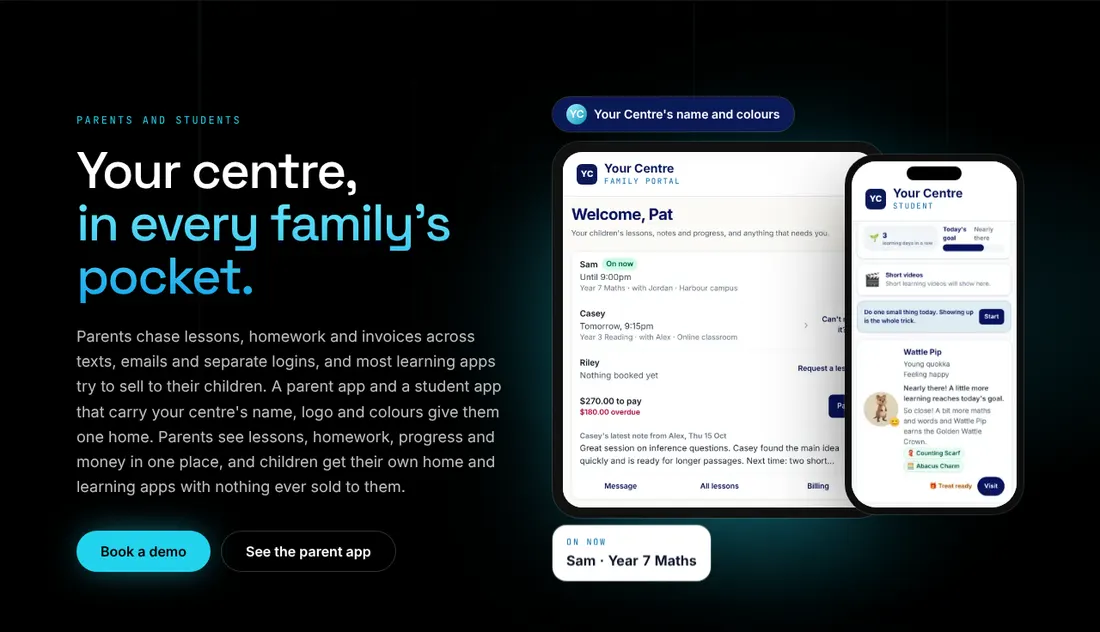
Families
A portal and app in the centre's own name and colours, for parents and students.
See it on xtutio.com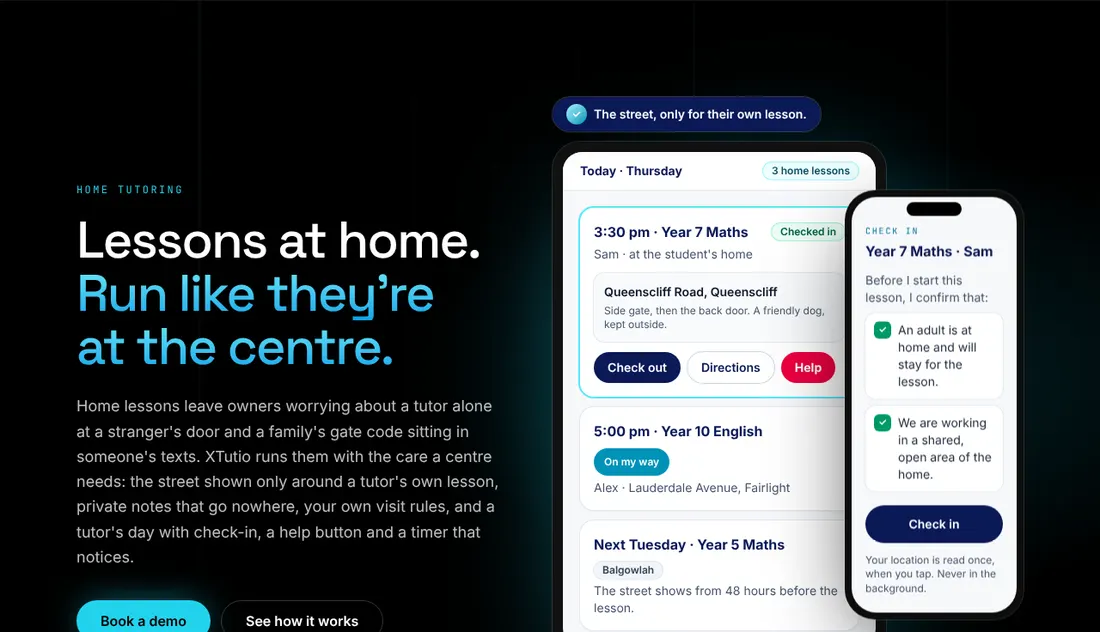
Home tutoring
Check-in, directions and a help button for tutors visiting a family's home.
See it on xtutio.com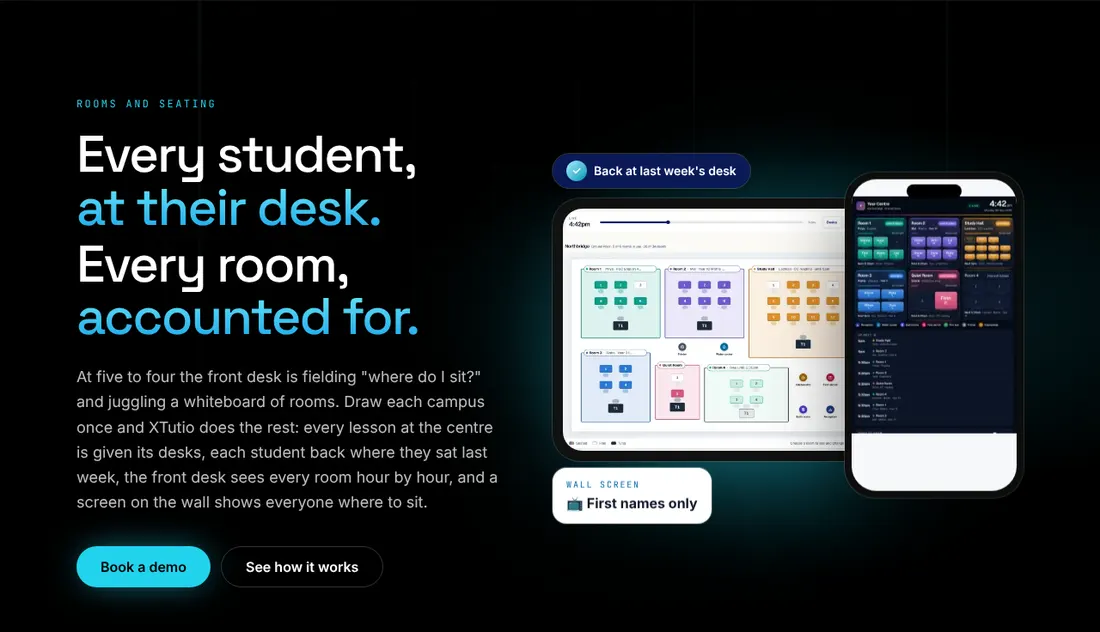
Rooms
Floor plans and seating, so every student has a desk and every room is accounted for.
See it on xtutio.com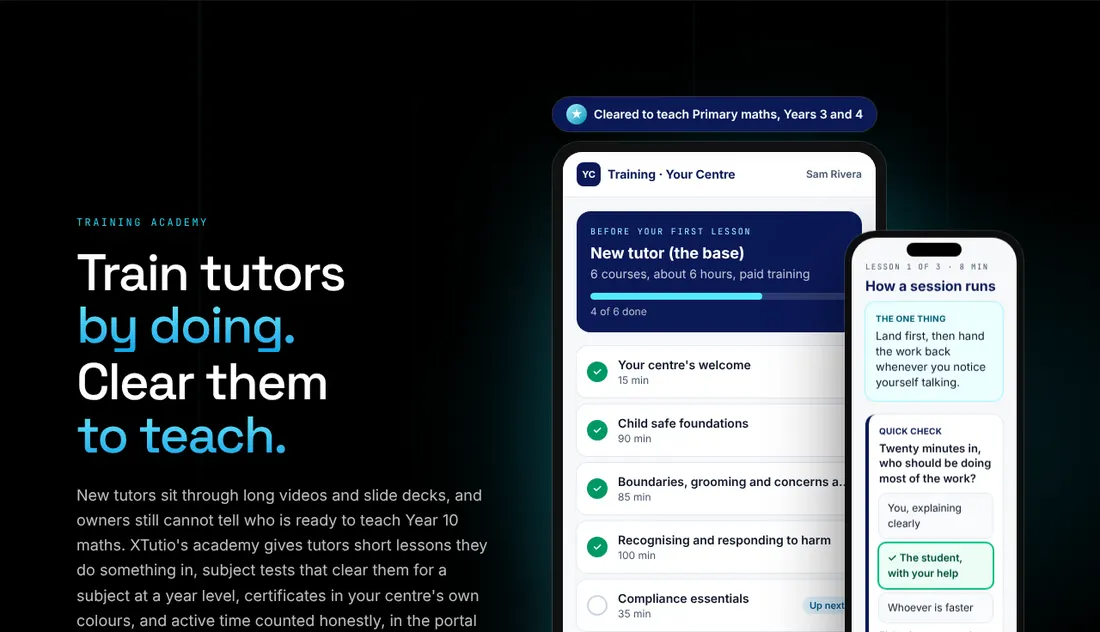
Training
A training academy for tutors, with courses, quick checks and a record of who is cleared to teach what.
See it on xtutio.com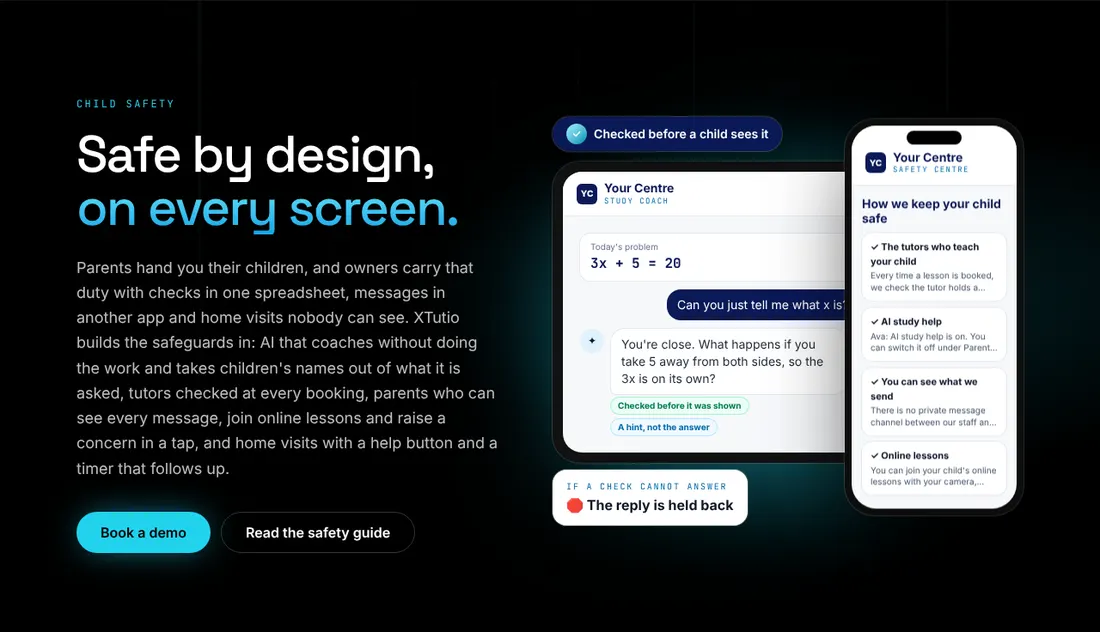
Child safety
Safeguards built into every screen: checks at every booking, parents who can see every message.
See it on xtutio.com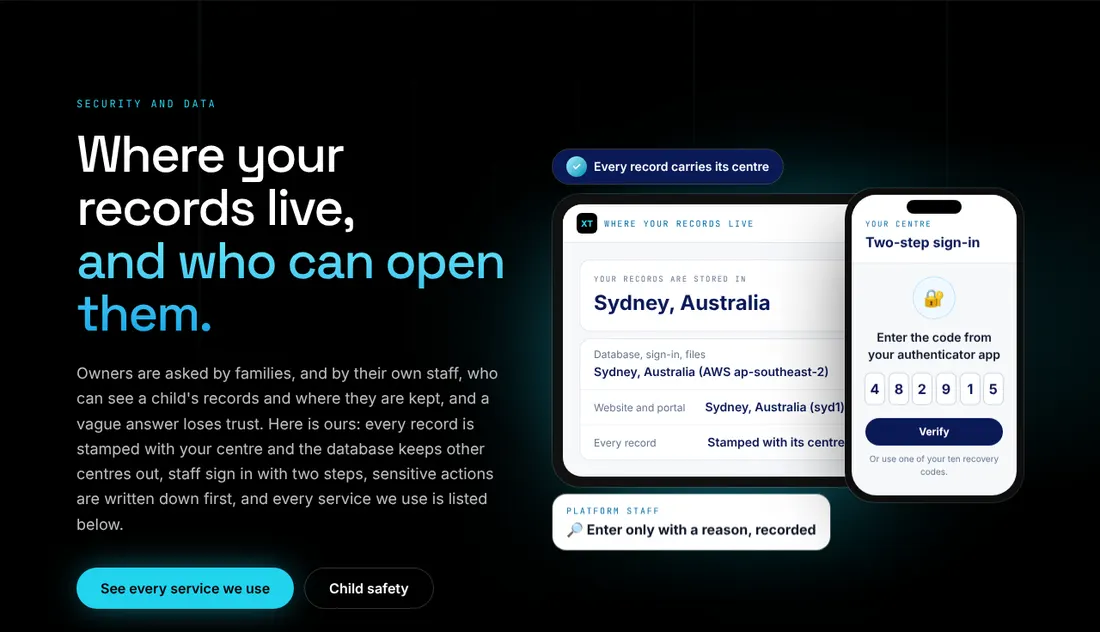
Security and data
Where records live, and who can open them, stated plainly.
See it on xtutio.com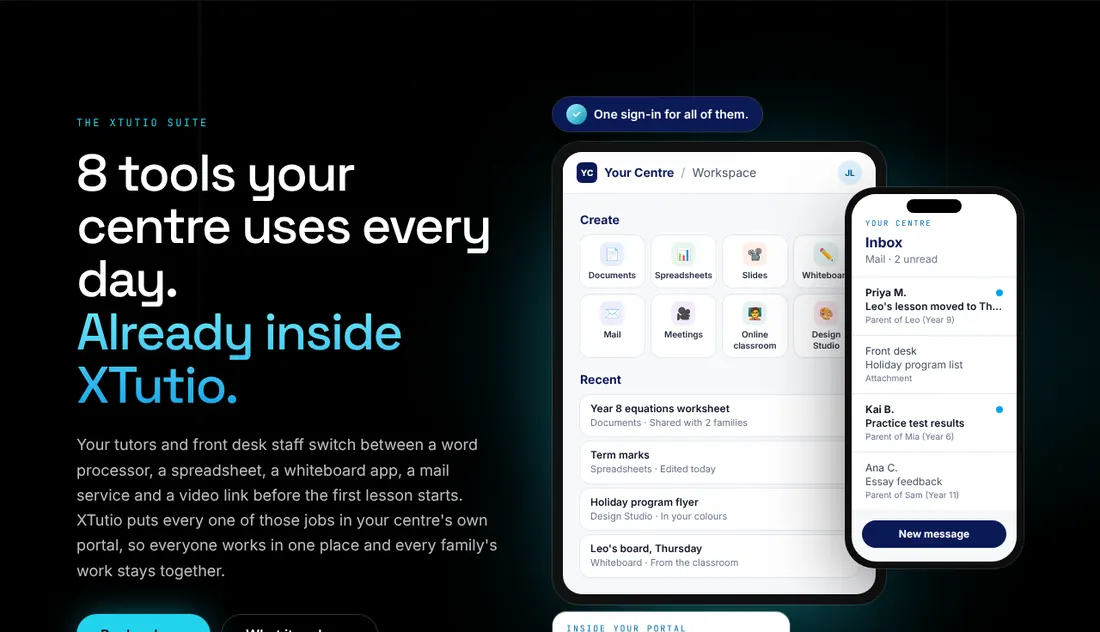
The suite
Eight everyday tools behind one sign-in: documents, spreadsheets, slides, whiteboard, mail and meetings.
See it on xtutio.com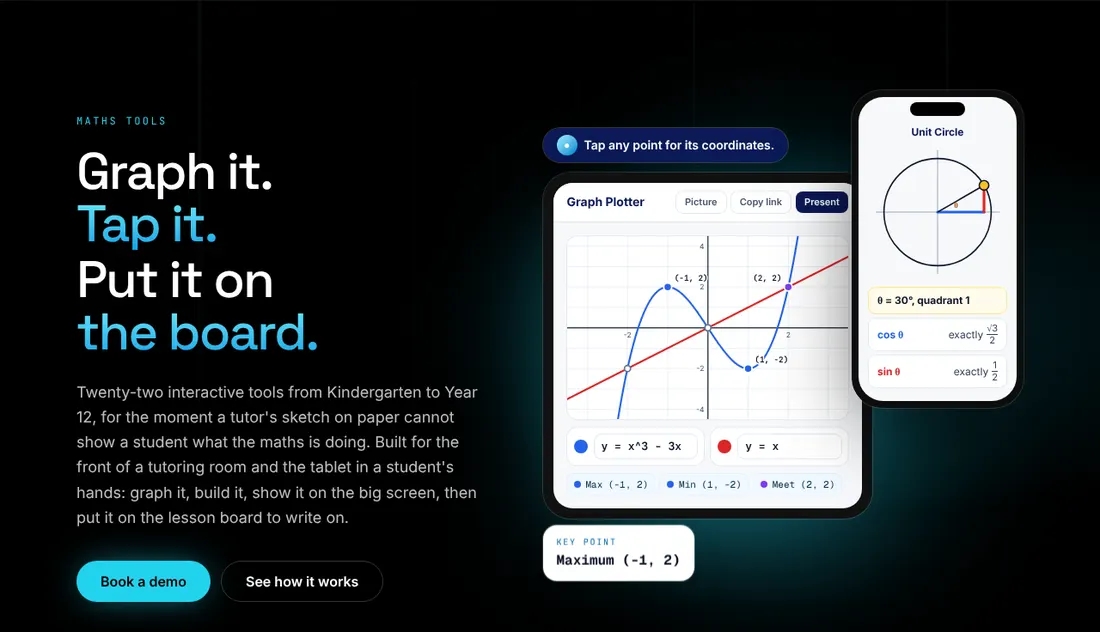
Maths tools
Interactive graphing and maths tools for students, from Kindergarten to Year 12.
See it on xtutio.com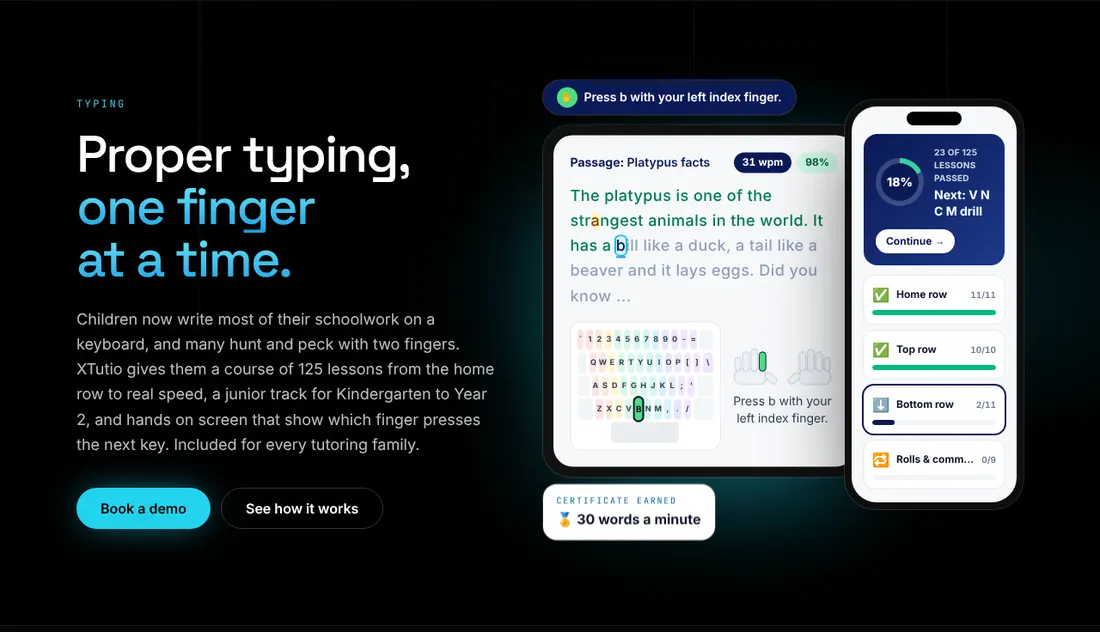
Typing
A typing course for students, with practice passages and progress.
See it on xtutio.com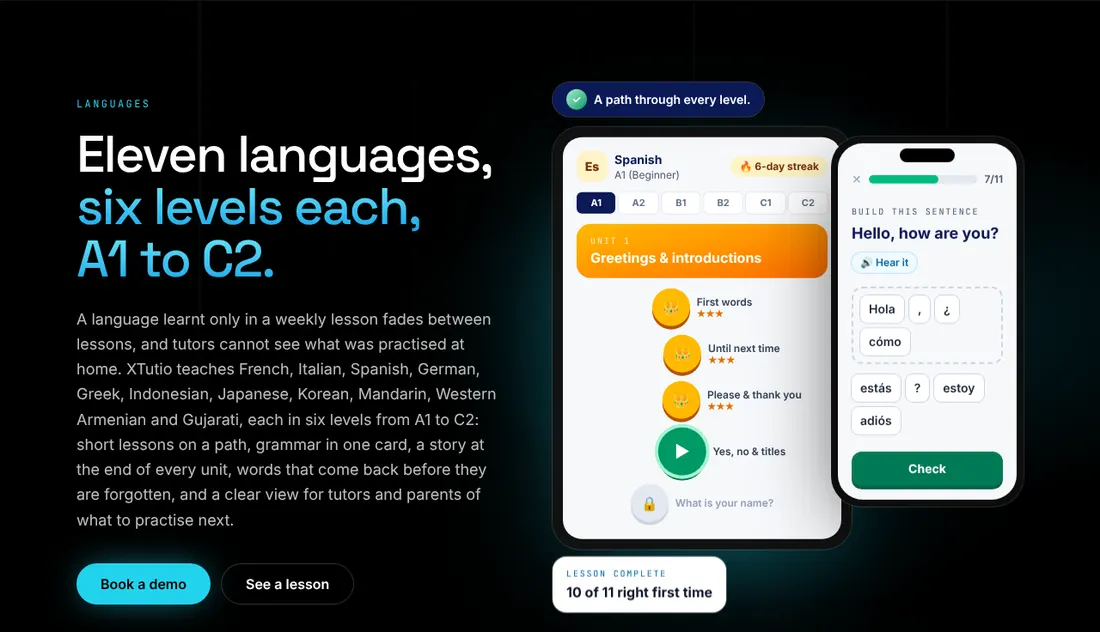
Languages
Eleven languages with six levels each, taught on a path with short exercises.
See it on xtutio.com
Screens are taken from xtutio.com on 19 October 2026 and may change as the product does. Visit XTutio.